

Description
 mmorpg
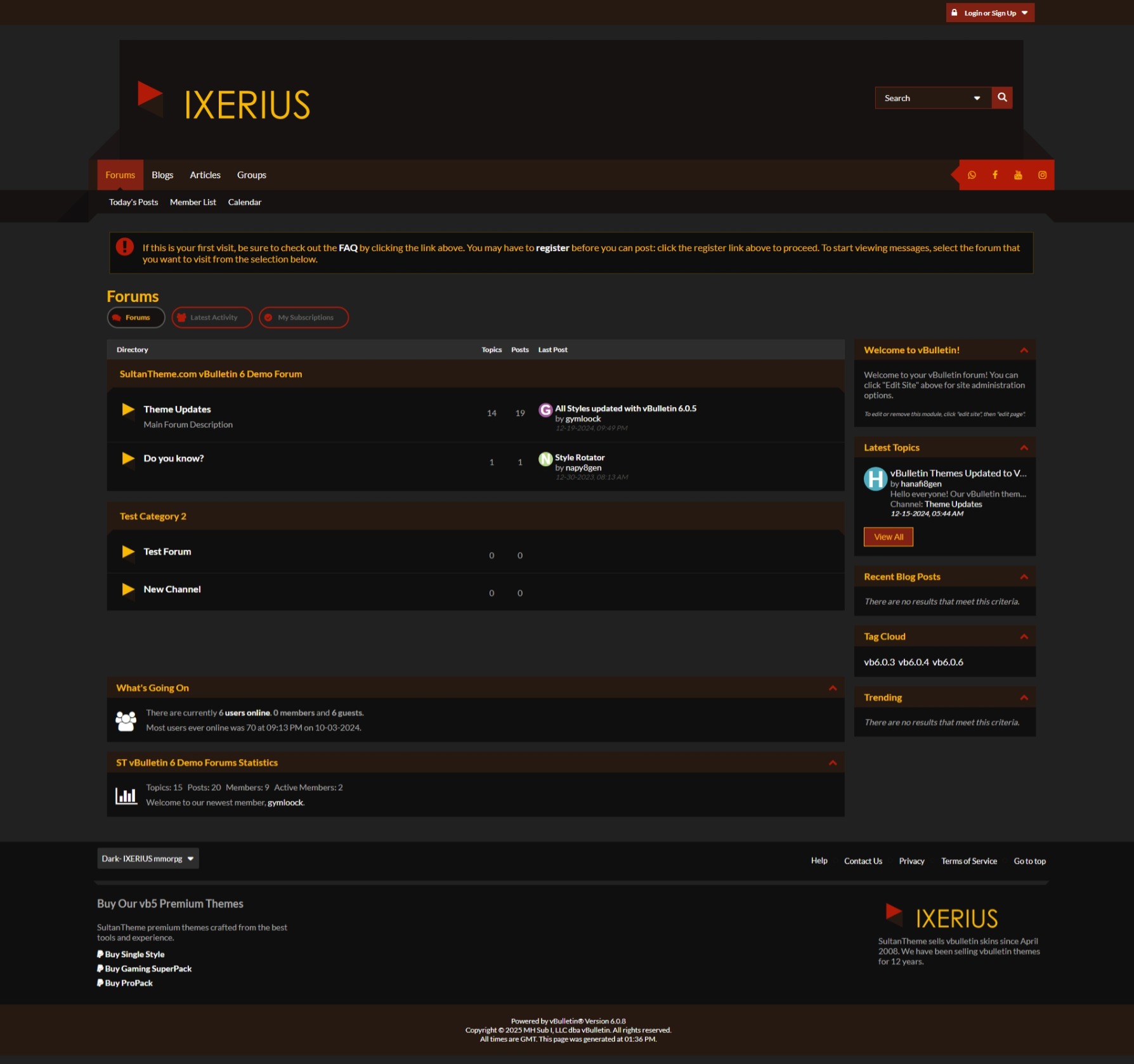
Welcome to The Realm: Dark MMORPG-Inspired Theme
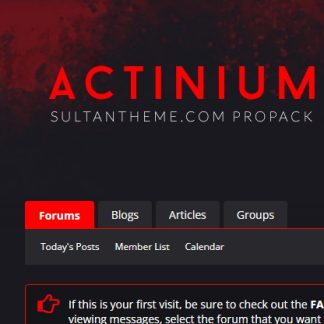
Enter a world where the darkness of the unknown meets the intensity of adventure. The Realm theme embraces a rich, dark color palette inspired by the depths of your favorite MMORPGs. With striking shades of Crimson Red , Rustic Brown, and deep, shadowy tones of Charcoal and Midnight Black , this theme evokes the mystery, danger, and excitement of epic quests and legendary battles.
Perfect for gaming communities, storytellers, and creators alike, The Realm immerses your users in an environment that feels both bold and captivating. The dark design not only provides a modern, sleek aesthetic but also offers an atmosphere where every conversation feels like an adventure in a distant, untold world.
The Realm is ready for you to embark on your next journey—are you prepared to step in?
VB6 Experience Enhancements
- Sleek Icon Overhaul
This is undoubtedly the best vBulletin 6 style available, featuring a comprehensive icon upgrade with a 90% overhaul. All icons have been replaced with FontAwesome icons, implemented purely using CSS. This ensures faster load times compared to traditional sprite images and requires minimal template modifications. - Revamped Forum Tabs
Say goodbye to dull, static tabs! Forum tabs now feature unique icons, making them visually appealing and dynamic. Each tab is designed to look distinct across different pages, adding variety and flair to your forum’s navigation. - Custom Templates for a Polished Design
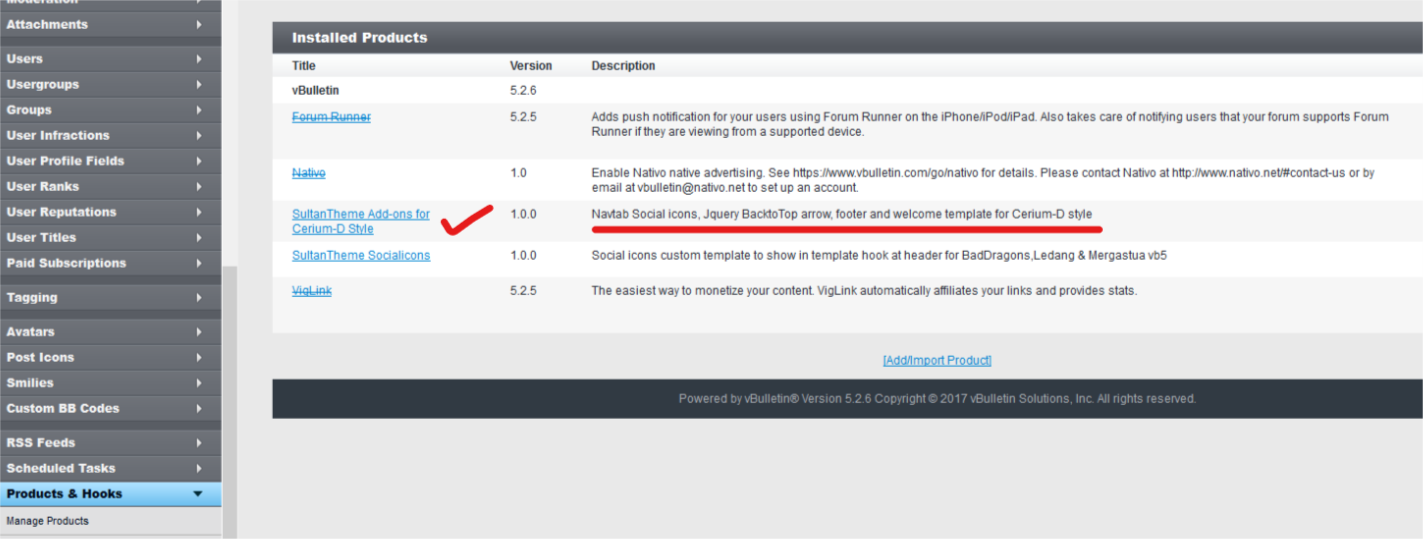
We’ve included three custom templates to enhance your forum’s design:- A welcome message template
- Footer columns for better organization
- Social icons conveniently placed in the navbar
These templates elevate your forum’s aesthetics without requiring modifications to the header or footer templates, ensuring your style remains future-upgrade ready. The included product XML file manages the template hooks for seamless integration. For more details, refer to the installation instructions.
Upgrade your forum with these enhancements and deliver a modern, user-friendly experience!
- Redesigned Search Box
The search box has been revamped with a more stylish and user-friendly design. The new dropdown options stand out, offering a visually appealing and more functional experience for users. - Enhanced Latest Activity Tab
The Latest Activity tab has been redesigned for a cleaner, more modern look, with added spacing between items for improved readability and organization. - Back-to-Top Button
A much-needed jQuery Back-to-Top button has been added, providing a smooth and efficient way for users to navigate back to the top of the page with ease.
Mobile Experience Improvements
- Sticky Top Bar
The top bar is now sticky, ensuring it stays in place as users scroll, providing easy access to navigation on smaller screens, including iPhone 4/5. - Optimized Topic List
We’ve made improvements to the topic list layout, enhancing spacing for a more comfortable reading experience, especially on mobile devices.
These enhancements offer a smoother, more modern browsing experience across both desktop and mobile platforms.
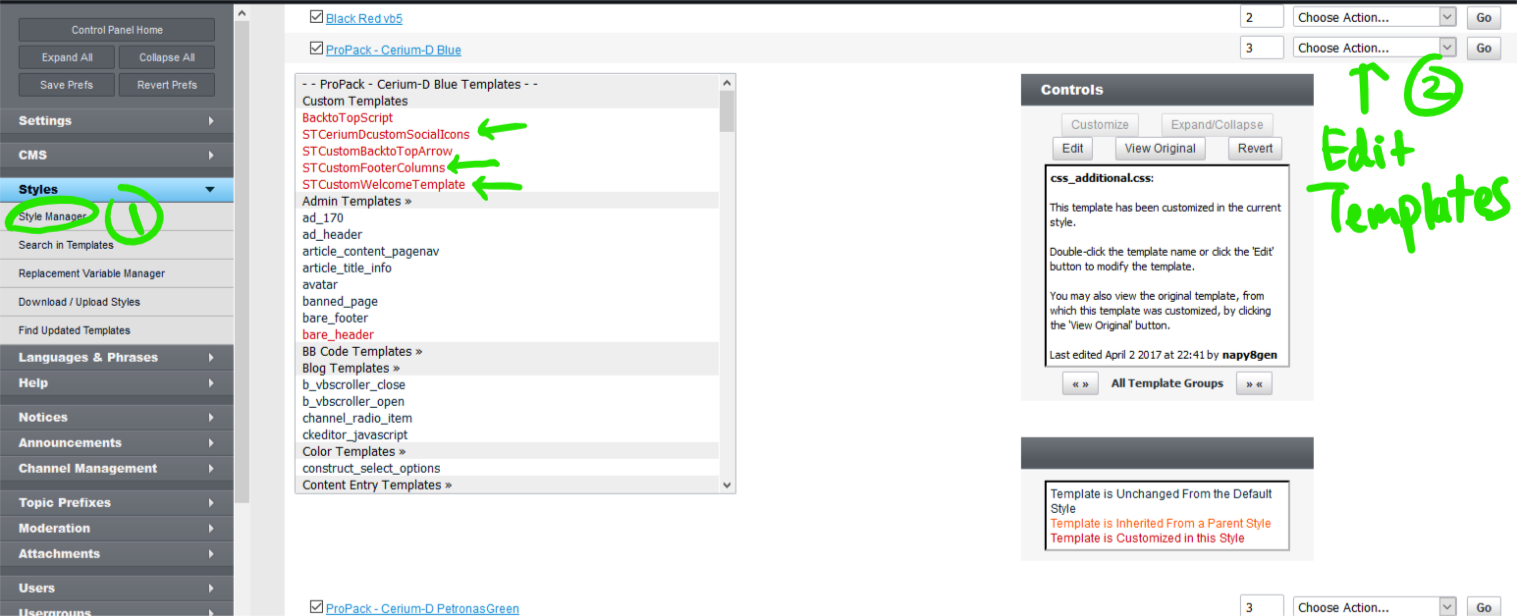
Please edit the CUSTOM TEMPLATES for Welcome Message, Social Icons and Footer:
Admincp> Style Manager> Style Name> Edit Templates> Custom Templates> You can see all red marked custom templates on the top of the template groups for easy editing.
**You first need to upload a product add on supplied in the zip and instruction is provided in readme.txt
This style is included in ST vb5 Pro Pack. And it is RTL friendly.
We always carry the latest version of vBulletin in our repository. THIS STYLE IS NOT FOR vB CLOUD


Reviews
There are no reviews yet.