
Description
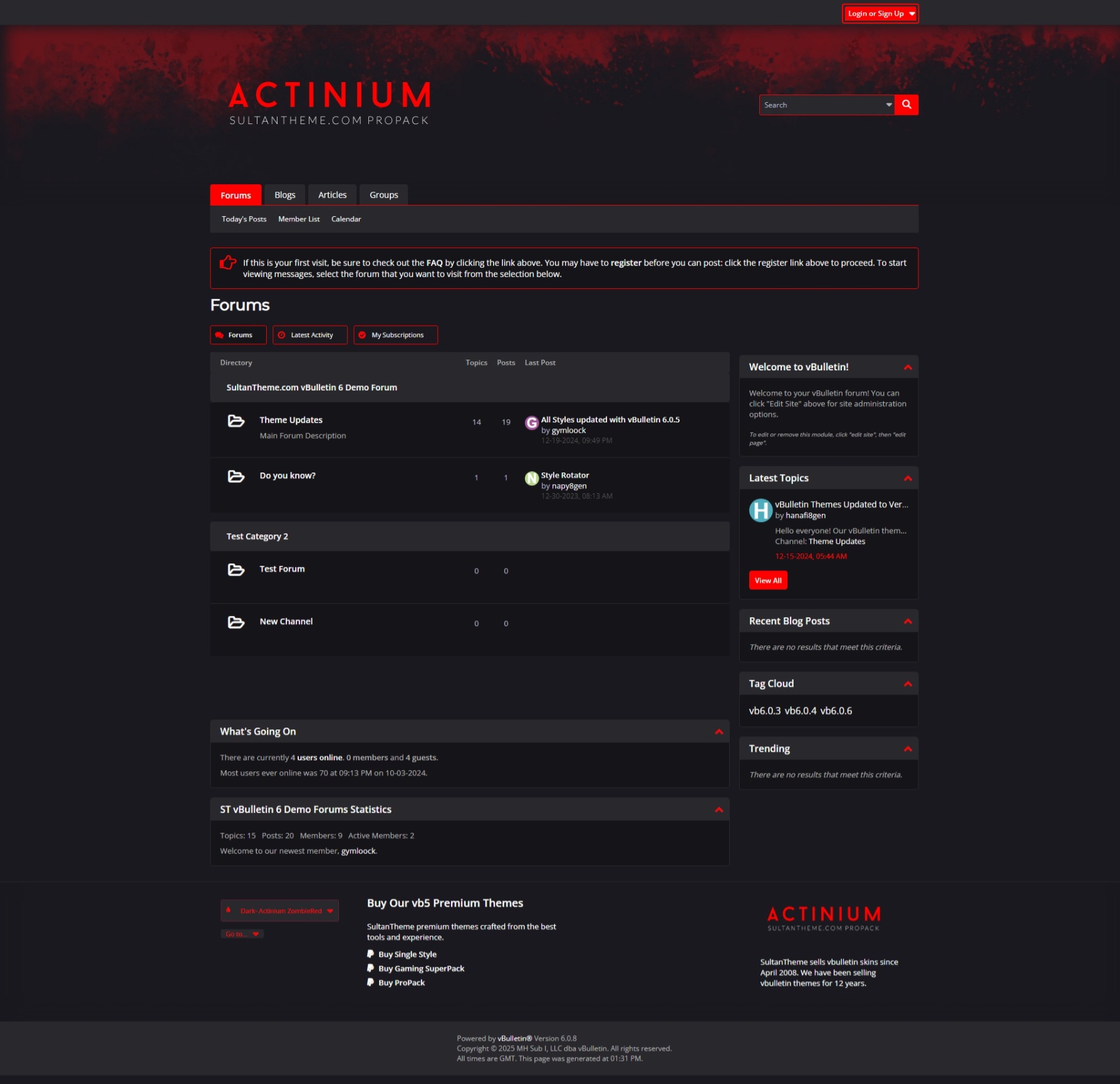
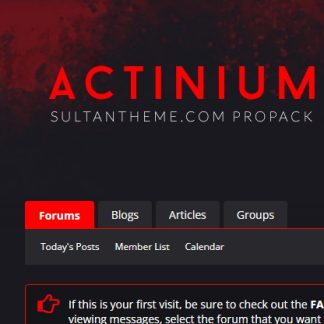
Introducing Actinium Dark – Zombie Red Edition
Dive into the apocalypse with our latest Actinium ZombieRed flat design, offering a bold, immersive experience designed to complement your forum’s unique style.
The Actinium ZombieRed theme retain the sleek, modern characteristics of our previous flat designs, now enhanced with rounded corners on buttons, tabs, and forum listings for a polished look.
Get a glimpse of Zombie Red and the rest of the palette through our screenshots or explore the live demo on our VB5 forums. Ready to embrace the dark?
VB6 Experience Improvement
- Clean Icon Overhaul
This is the most refined vBulletin 6 style on the market, featuring a 90% overhaul of icons with sleek FontAwesome replacements. By using CSS-only icons, the style achieves faster load times compared to traditional sprite images. Plus, this approach minimizes template edits, making your forum easier to maintain and customize. - Enhanced Forum Tabs
Say goodbye to dull, lifeless tabs! Forum tabs now feature unique, eye-catching icons, giving each page a fresh and dynamic look. No two tabs feel the same, adding personality to your forum’s design. - Custom Templates for a Polished Look
We’ve included three custom templates to elevate your forum:- A welcome message template
- Footer columns for better organization
These enhancements improve your forum’s aesthetic and usability. Thanks to the use of Template Hooks, these templates work seamlessly without modifying header or footer templates, ensuring your forum remains future-upgrade proof. Installation is simple with the included product XML file, which manages the template hook collection. For detailed guidance, refer to the installation instructions.
Upgrade your forum with these enhancements and deliver a modern, user-friendly experience!
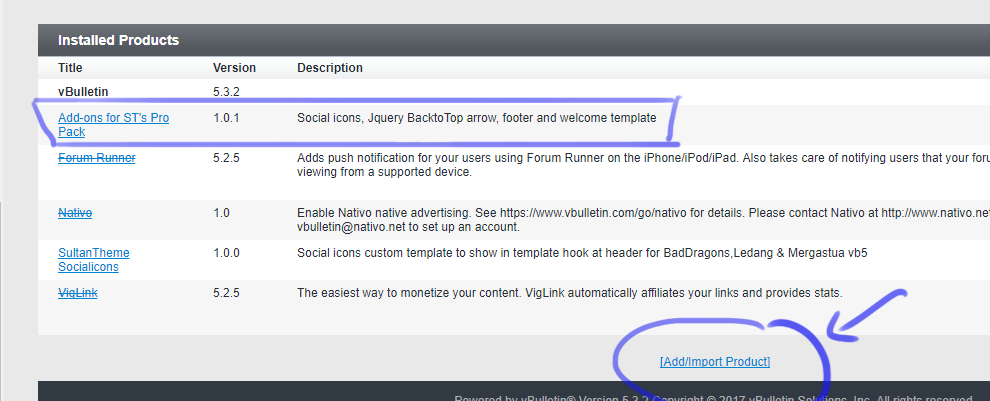
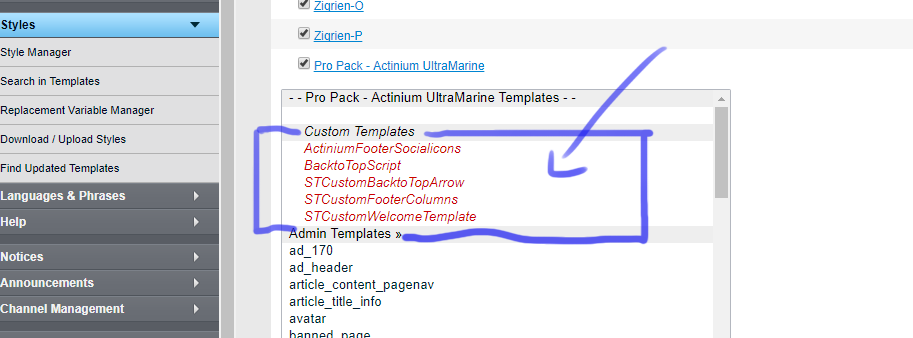
Please edit the CUSTOM TEMPLATES for Welcome Message, Social Icons and Footer content:
Admincp> Style Manager> Style Name> Edit Templates> Custom Templates> You can see all red marked custom templates on the top of the template groups for easy editing.
**You first need to upload a product add on supplied in the zip and instruction is provided in readme.txt
1. style manager> actinium> style variable editor> body_background2. style manager> actinium> style variable editor> topbg_header_mainnav_background3. style manager> actinium> edit templates>CSS templates> css_additional.cssline1 : #footer {height: 251px;background: #8b8a88 url(core/images/actinium/actinium_footerbg.jpg) no-repeat 0 0;}
This style is included in ST vb5 Pro Pack and it is RTL friendly.
What is included?
Sprite and logo PSDs with permission for editing. Also included are Style XMLs and readme text instructions.
Version.
We always carry the latest version of vbulletin in our repository – NOT MADE FOR VBCLOUD
Reviews
There are no reviews yet.