
Description
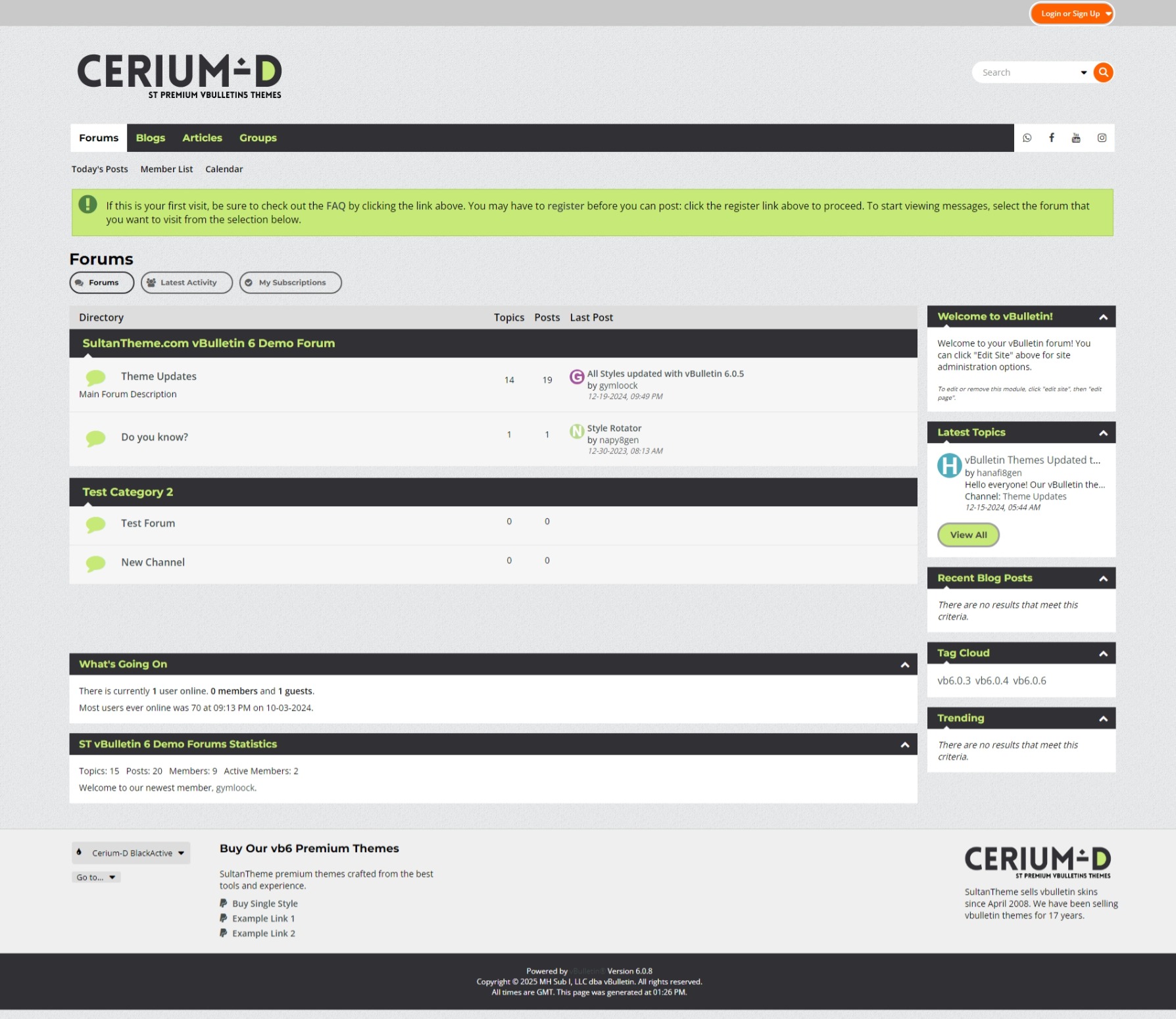
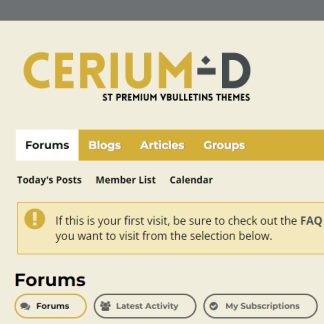
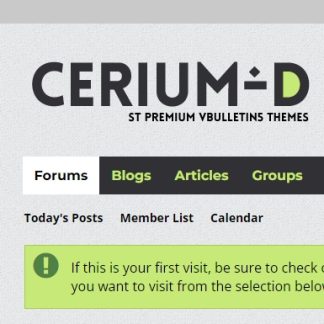
Experience design purity with the Cerium-d Black Active theme, where simplicity meets sophistication in a seamless visual symphony.
vb6 experience Improvement
- This is one of the best vBulletin 6 styles available, featuring a significant (90%) overhaul of icons with a clean and modern design. All icons have been replaced with FontAwesome icons using CSS, ensuring faster loading times compared to sprite images.
- The forum tabs have been enhanced with icons, giving them a fresh and appealing look. They no longer resemble plain tabbed panels and now display unique styles across different pages.
- We’ve included three custom templates for footer columns, and social icons in the navbar. These additions greatly enhance the visual appeal of your forum. By utilizing Template Hooks, these custom templates integrate seamlessly without requiring edits to the header or footer templates, ensuring compatibility with future upgrades. A product XML file is provided for these custom templates to work. Please refer to the installation instructions for more details.
- The search box has been redesigned with an improved dropdown menu for search options, making it more visually appealing and easier to notice.
- The Latest Activity tab has been enhanced with better spacing, giving it a cleaner and more organized appearance.
- A much-needed jQuery “Back to Top” button has been added for improved navigation.
Mobile Experience Enhancements:
- The top bar is now sticky, providing a sleek and functional look, even on smaller screens like those of iPhone 4/5.
- The topic list layout has been optimized to offer better spacing and readability, enhancing the overall user experience.
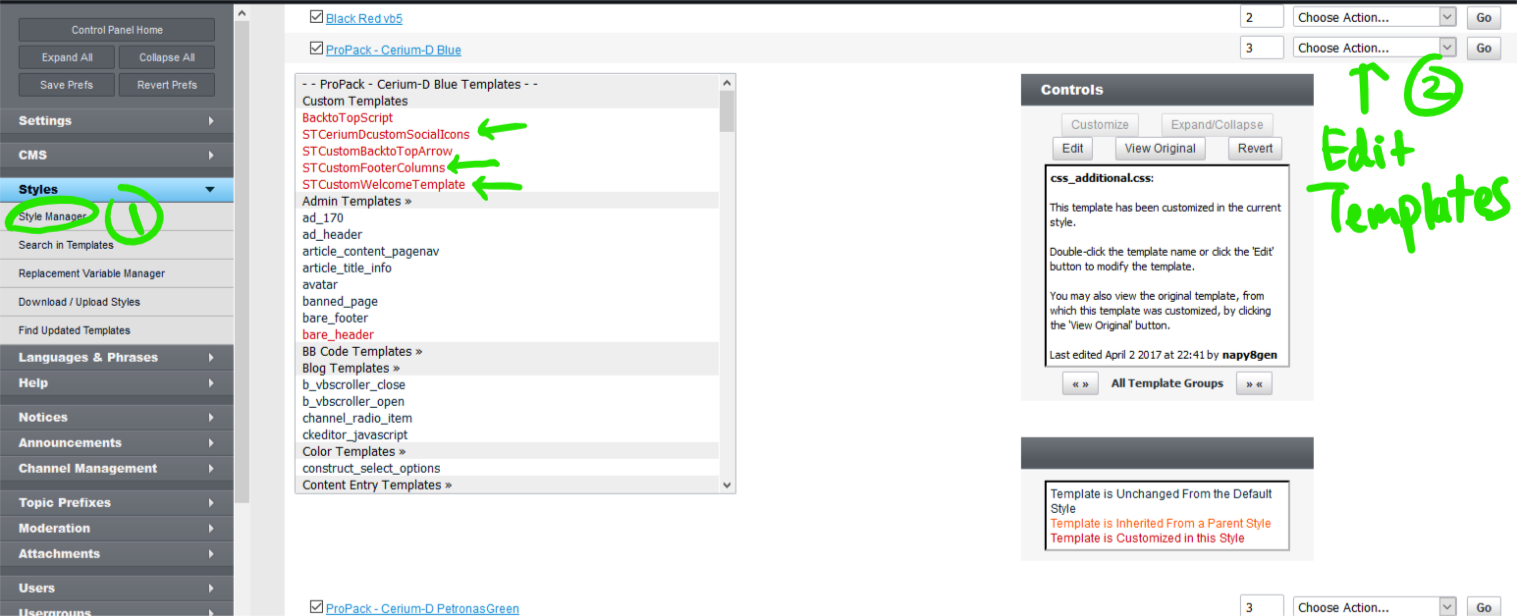
Please edit the CUSTOM TEMPLATES for Social Icons and Footer:
Admincp> Style Manager> Style Name> Edit Templates> Custom Templates> You can see all red marked custom templates on the top of the template groups for easy editing.
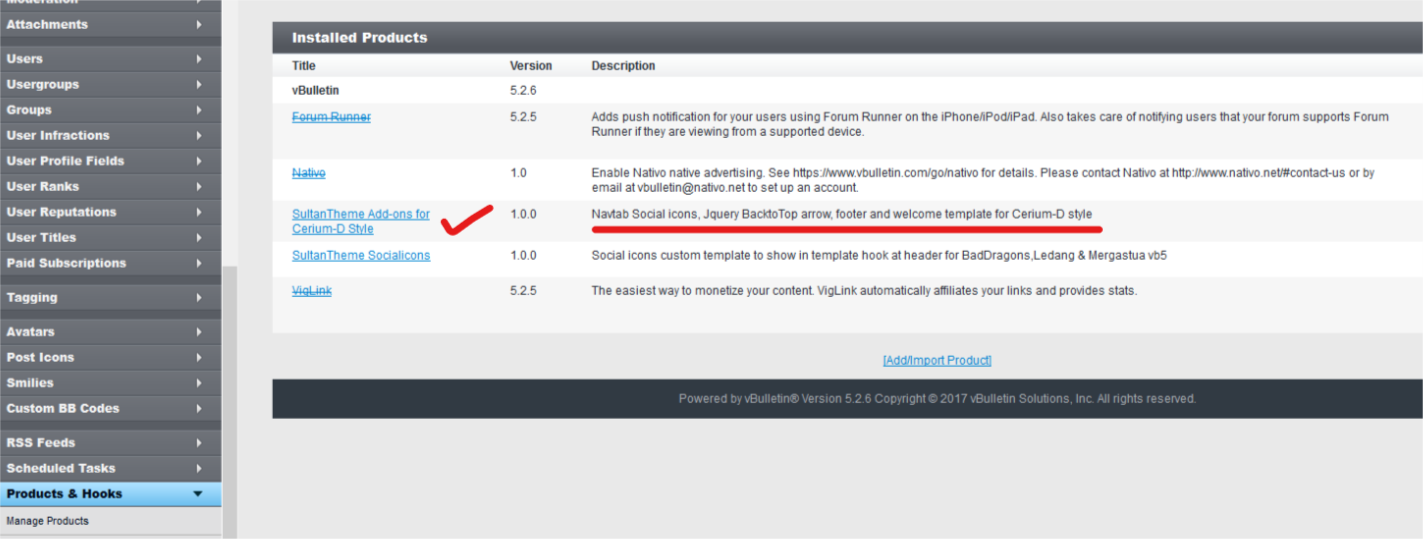
**You first need to upload a product add on supplied in the zip and instruction is provided in readme.txt
What is included?
- logo PSD files, with permission for editing.
- Style XML files for installation.
- Readme text instructions.
Version Compatibility:
- We maintain the latest version of vBulletin in our repository.
- Note: This style is not compatible with vB Cloud.
Reviews
There are no reviews yet.